> ## Documentation Index
> Fetch the complete documentation index at: https://docs.prolinks.pro/llms.txt
> Use this file to discover all available pages before exploring further.
# How do I create a PROlinks account?
> All our plans are paid plans, we do not offer free plans.
These are the seteps you have to follow to create a PROlinks account:
* Go to [PROlinks.pro](https://prolinks.pro?utm_source=web_prolinks_docs)
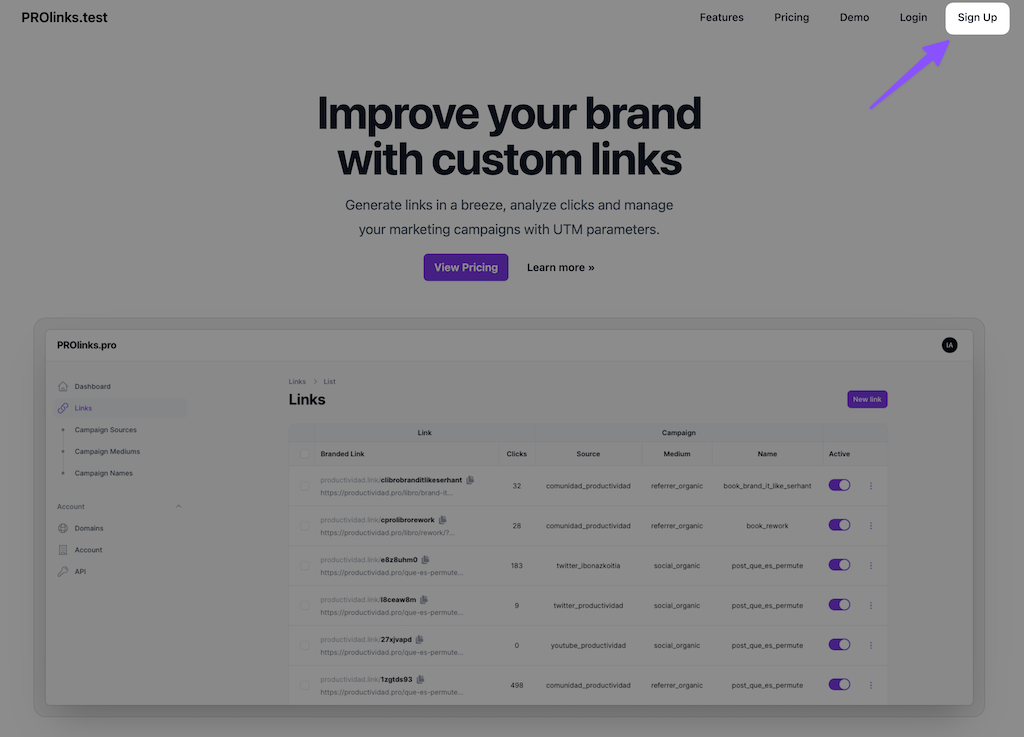
* Click in **Sign Up** in the navigation menu
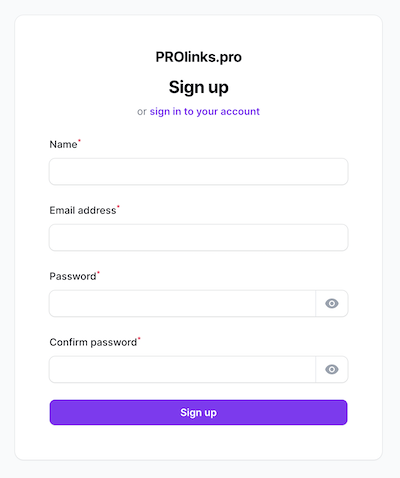
 * Introduce your account details with your name, email address and password
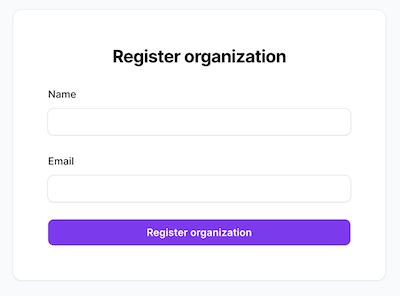
 * Introduce your company details with the company/team name and email address
 * Select your desired Plan and make the payment
* Your account is ready to be used
* Select your desired Plan and make the payment
* Your account is ready to be used